
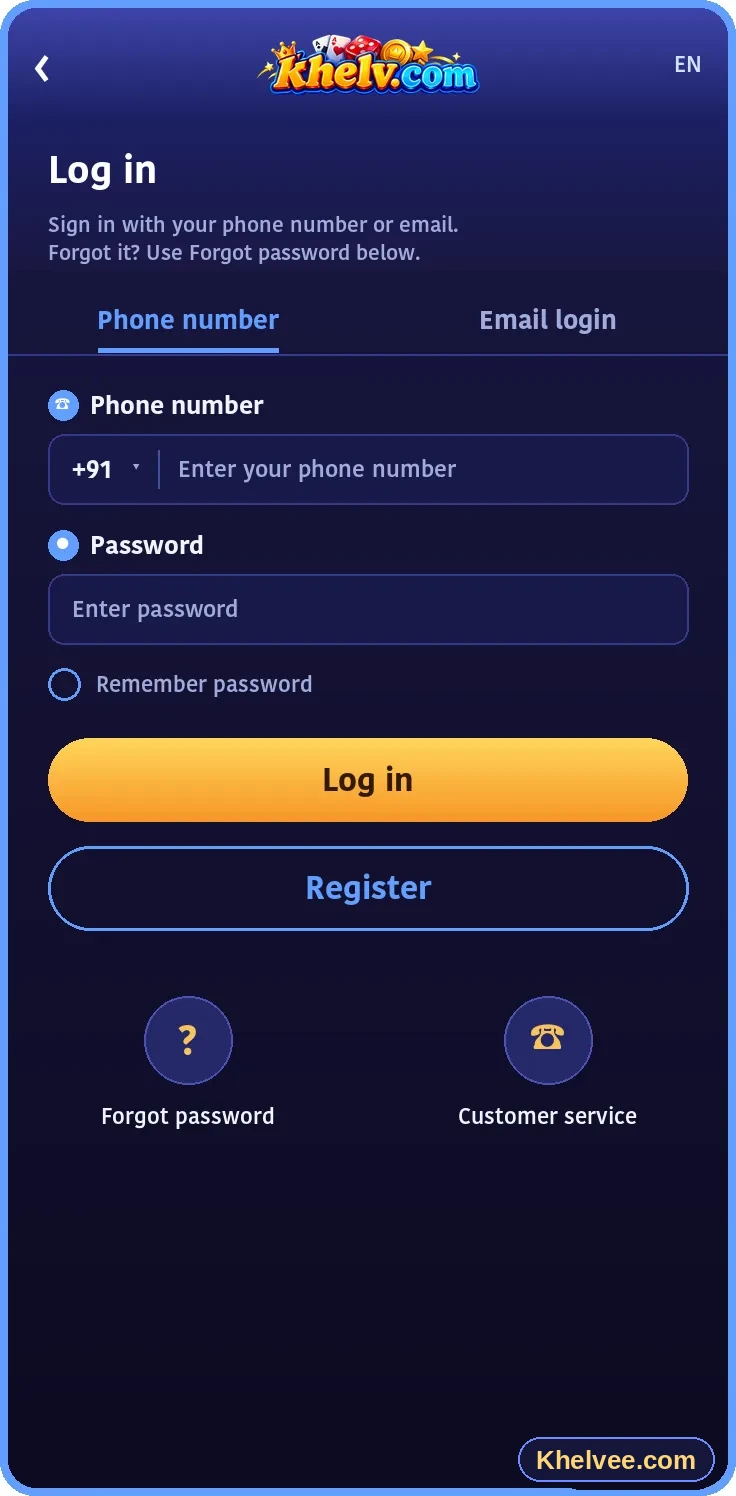
Login steps
- 1Type the official platform address yourself or use a saved bookmark
- 2Select the login option
- 3Enter your registered mobile number and password
- 4Complete any verification step
- 5Confirm you are on your own account dashboard
Password help
If you forget your password, use the platform's 'forgot password' option. You will usually confirm your identity with a code sent to your registered number, then set a new password.
Common login problems
- Incorrect password – check caps lock and keyboard language
- Account locked after many attempts – wait and retry or use recovery
- Endless loading – clear cache or try another browser
- Look-alike website – leave immediately and type the address manually
Account security
Log out on shared devices, avoid public Wi-Fi for account access, and be suspicious of any message urging you to 'log in quickly' through a link.